Start with some awesome pics from one of these legendry heroes namely known as Spider-man or Spidey by his nick name. Peter Parker was a shy and awkward high school student. And, bitten by a highly modified altered spider specifically designed in the lab. Later he came to know of using his powers against evil crimes. And fought many villains, specially after defeating Lizard, he finally invited in Avengers by Iron-Man (Tony Stark). From there he begen his story in Avengers movies.
These awesome pics has been taken from pinterest. Download now, if you wanna to get some more picsfrom pinterest
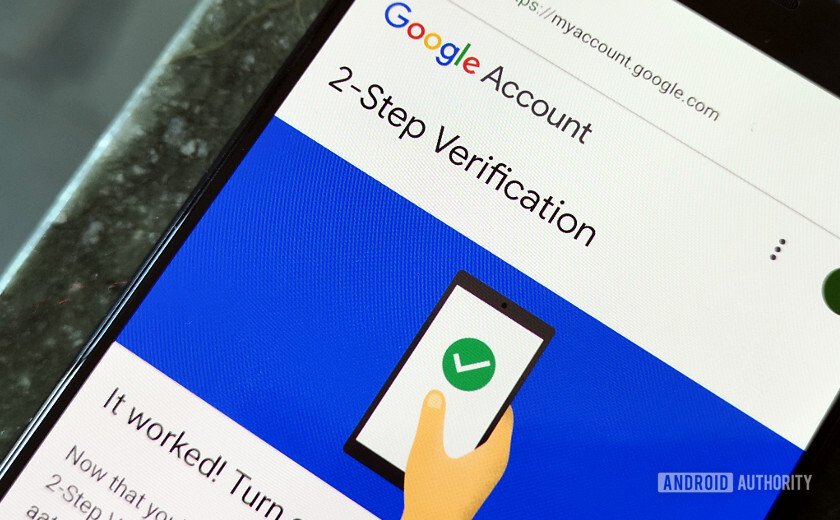
As it may take long time to turn on the 2-step verification, by this if ever your account gets hacked, then because of this, the hacker is not able to open your account, if he finds out the password too.
Note! Once you turn ON you have to get(download) the given passcodes, the given you can find on the given icon of an aeroplane. And if you want to login to your account to manage your business if you are away from your smartphone.
Step 1: Go to your google app
Step 2:Click on the ‘avtaar/image or a starting letter of your name’ on the top-right corner of the google
Step 3:Click on ‘manage your google account’, below the active account on your google.
Step 4:Go to ‘security’, scroll down and tap on the 2-step verification given in the list
Step 5:Then, insert your ‘password’ that is required.
Step 6:Again, insert your password so that the google can verify that it’s really you.
Step 7:Then ‘allow’ given on the bottom as in shape of button.
Step 8:Then, again by giving your number from which you want to access and verify your country before allowing.
Step 9:Then, insert the given code or otp on your message box either it can automatically let you to the next step or you have to click on next.
Step 10:Here, now you have turned on the 2-step verification for your security. But remember as I say on the above statement you have to click on passcode with a aeroplane icon, w here you have two options either you can download and save it personally or print it and keep it safe but remember one of your passcode that will be used in your next sign in. But if are in afraid of multiple sign in, so don’t worry you can refresh or get new passcode by entering to your 2-step verification
Seo (SEO) generally handles what’s called on-page optimization– putting keywords and expressions in various locations and in the code of a web page. On-page SEO is fantastic for letting Google and the other search engines understand what your website is about, but it’s also vital to let them understand how crucial your site is. You […]
This is a story about my community visit to Sindhupalchowk district of Nepal. Come, let me take you on a journey, where you may learn how blessed and privileged we really are to get this life.
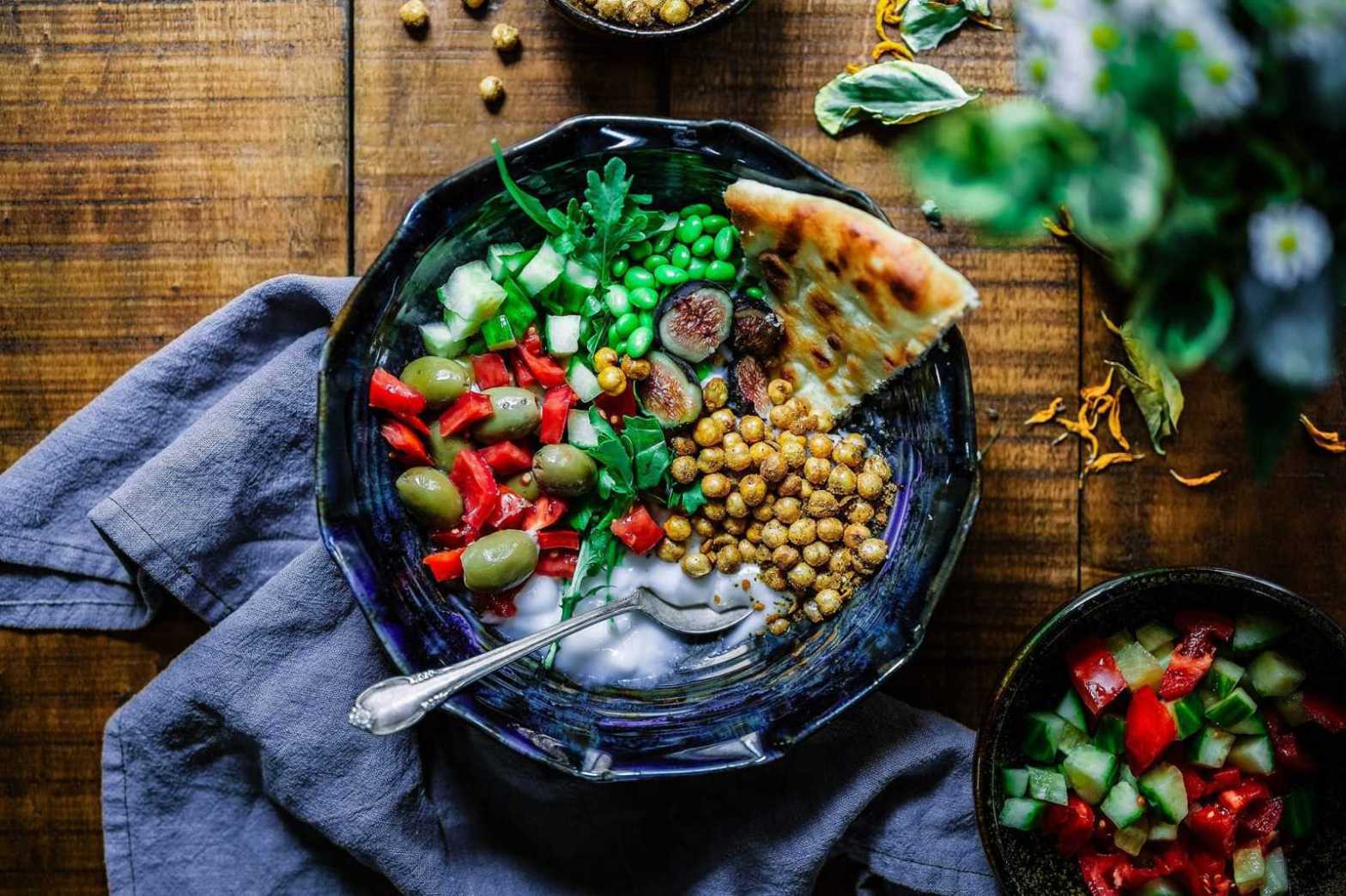
Cooking can sometimes feel like a chore at the end of a busy day. It’s often tempting to throw a ready meal in the oven or call for take out. But preparing a simple and healthy family meal doesn’t have to be hard or time-consuming. Here are some quick wholesome dishes that you and your family will love. They can even be prepared in advance.
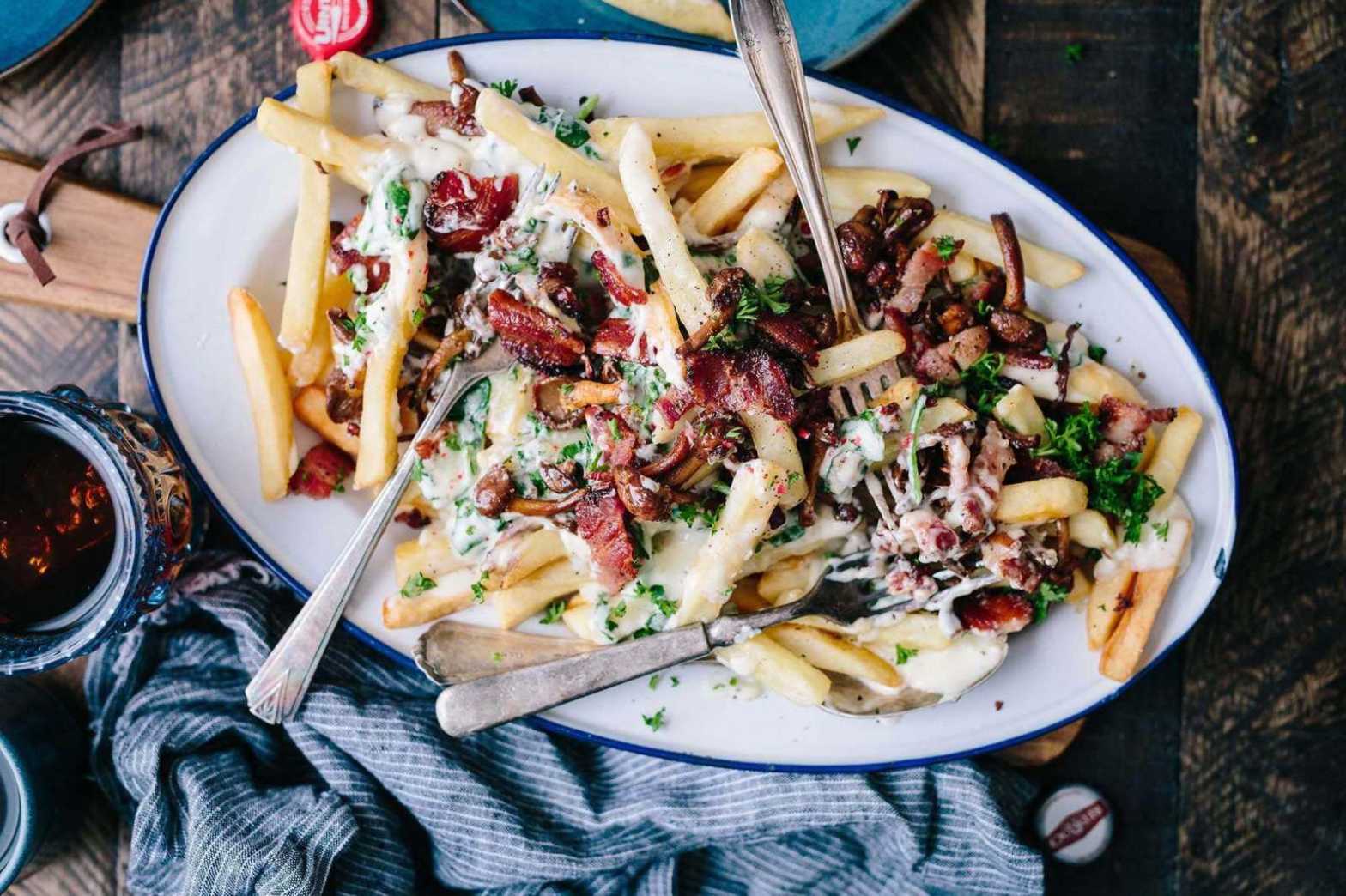
I know, what could be better that a steaming plate of fries, gravy and cheese curd? Fries, gravy, cheese curd and bacon, that’s what! Throw in some fresh shallots, chilli, and a splash of roasted bone marrow and duck gravy, and we turn this popular French-Canadian dish into a something sublime.
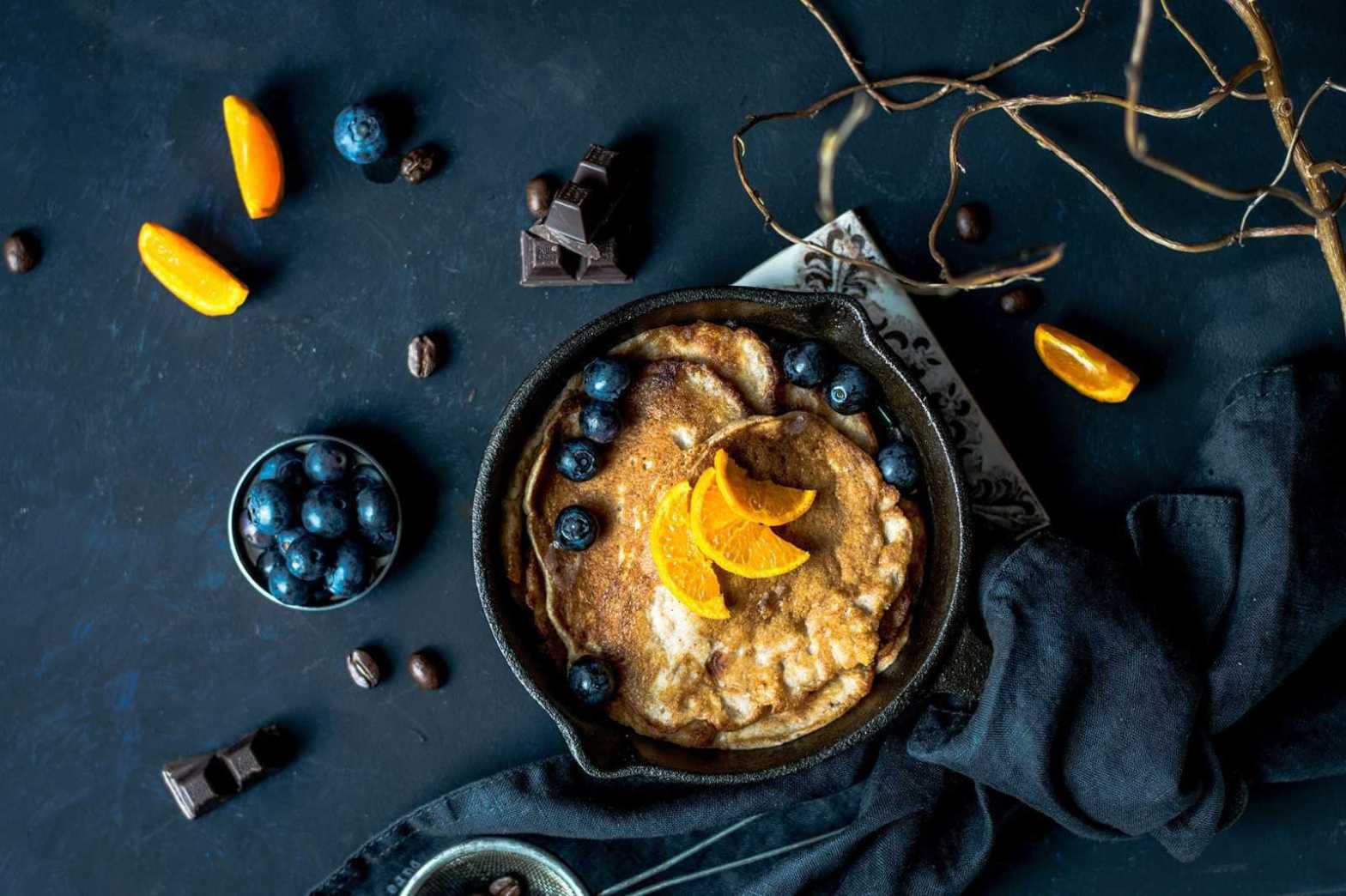
During the week we’re often walking out the door with a coffee in one hand and slice of toast in the other, but on weekends breakfast is never rushed. It’s a late affair, sometimes spilling over to lunch, with lots of reading and chatter in between courses of fruits, poached eggs, honey and toast. One of our favorite things we like to serve when friends are visiting are buckwheat blueberry pancakes.
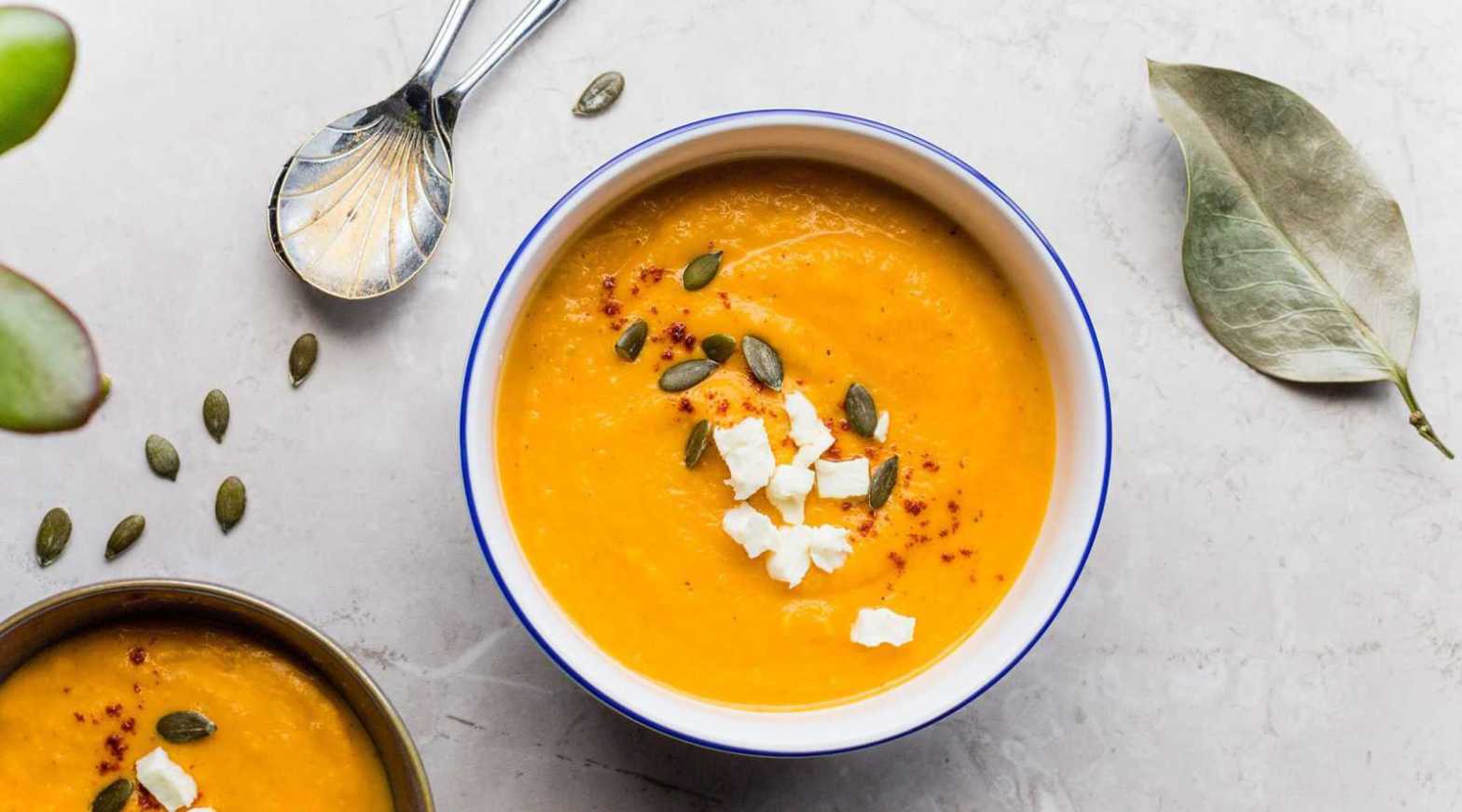
There’s nothing better than a warm bowl of pumpkin soup on a cold autumn day. Combine your roasted pumpkin with some onion, garlic, vegetable broth, and a few spices, and give it some time to simmer away. Pair it with a few slices of fresh bread to turn it into something sublime.

































 Winserc